Excite Your Analysts
with a Seamless Filter Experience
with a Seamless Filter Experience

See how SLICERBAR Declutters your Power BI Navigation
See how SLICERBAR Declutters your Power BI Navigation
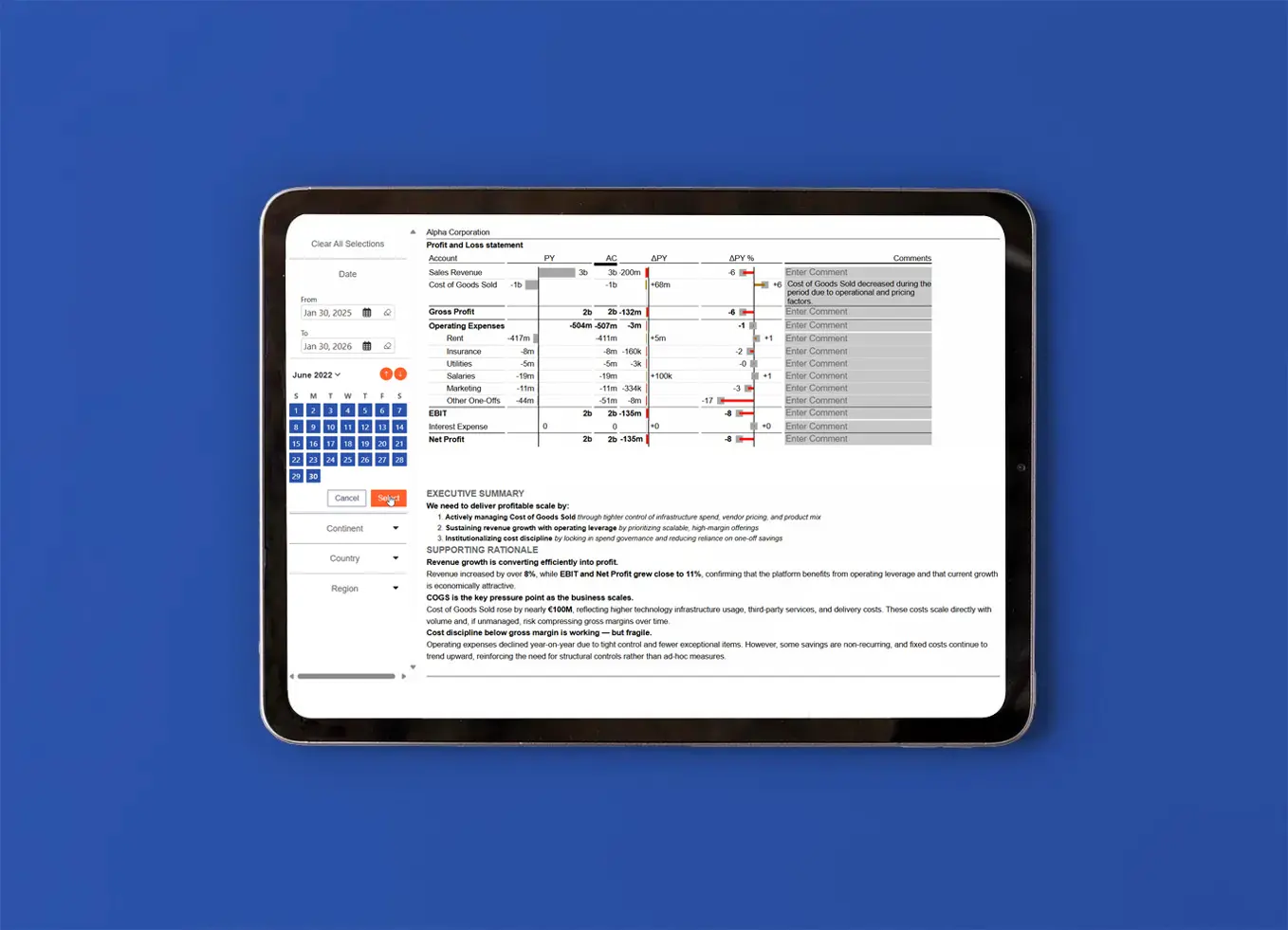
Turn complex dashboards into clean, organized experiences. SLICERBAR brings all your filters together into a single, intuitive navigation bar, making it easier for users to explore data without feeling lost. With a clear structure and consistent behavior across visuals, your Power BI reports stay simple, elegant, and effortless to use.
Enjoy full control over how users filter your dashboards. With SLICERBAR, slicers automatically align and keep a consistent look across pages. You can:
✔ Switch between single or multiple selections
✔ Pre‑define default values
✔ Keep all slicers perfectly spaced and aligned
A cleaner way to manage filtering: simple, powerful, and pixel‑perfect .
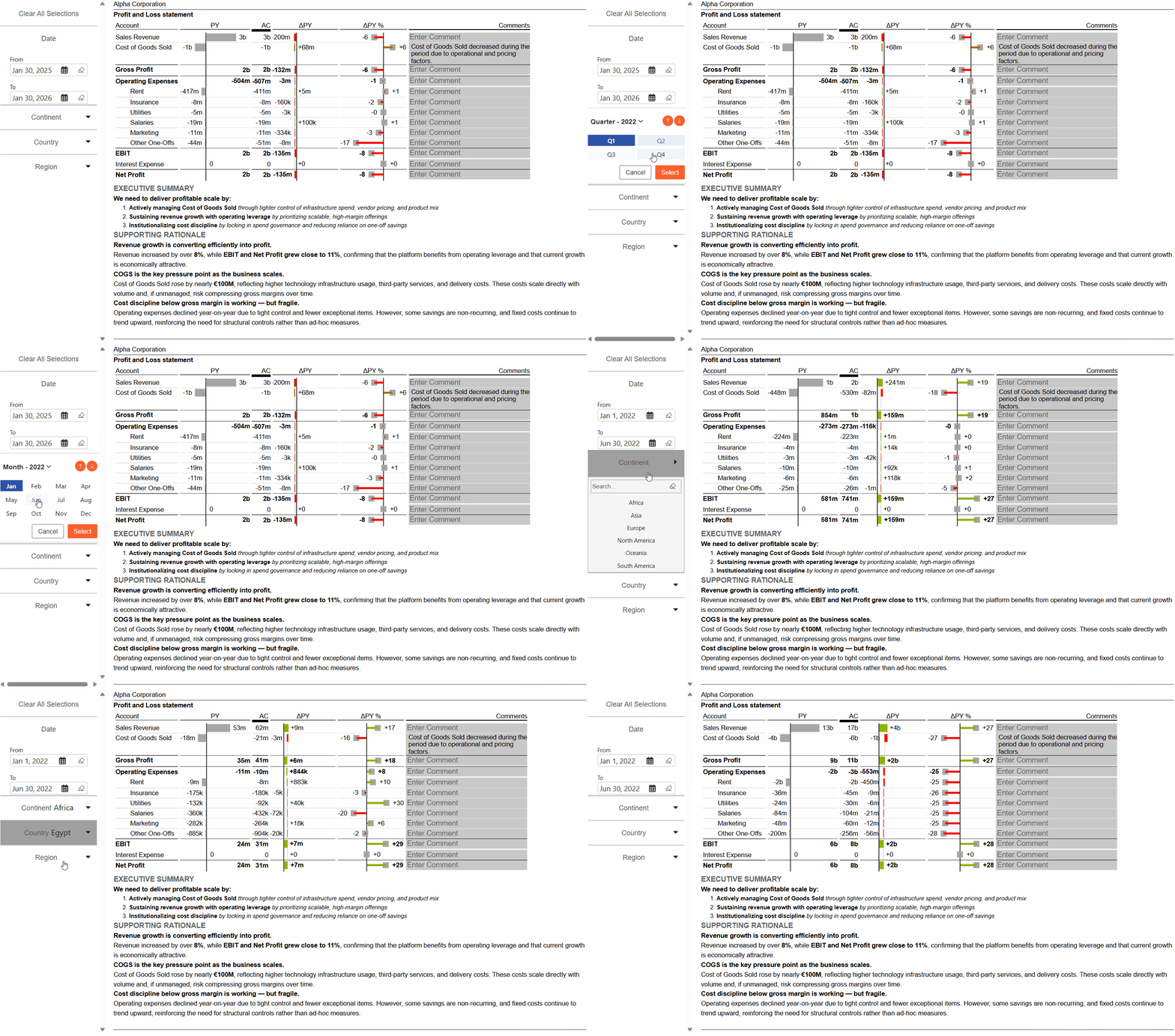
Bring flexibility to date‑based reporting with an embedded, interactive Date Picker. Select a single day, a range, or predefined relative dates such as last 7 days or this month. Key benefits:
✔ Default selections on load
✔ Supports absolute & relative dates
✔ Works seamlessly across time‑based visuals
Save time, reduce errors, and make exploring data effortless.
Organize related filters logically for a better user experience. Group slicers to keep navigation clear and your layout structured. Ideal for:
✔ Dashboards with many filters
✔ Department‑specific slicer sets
✔ Cleaner design and faster orientation
Smart grouping turns complex dashboards into intuitive, user-friendly tools.
Add interaction to your dashboards beyond filtering. Buttons can trigger helpful actions, creating a more dynamic reporting experience:
✔ Clear all filters at once
✔
Reset to default selections
✔ Open URLs or navigate between pages
Powerful yet simple — guide your users with one click.
Keep your design consistent everywhere. Define a single brand‑compliant theme and apply it instantly across all slicers, buttons, and date pickers. That means:
✔ Unified colors, fonts, and spacing
✔ Reusable settings for all reports
✔ Professional look with zero effort
One theme. One design. Everywhere in Power BI.
Transform Filtering in Power BI
Transform Filtering in Power BI
Explore how SLICERBAR transforms standard filtering into a smooth, website-like experience. Group, organize, and navigate your data with ease, so every report feels natural, clean, and easy to interact with.
New Features Coming Soon
Trusted by data &
analytics leaders across
DACH and beyond
analytics leaders across